EuropaXp™ MSViewer: desktop mass spec file viewer
Rapid mass spec
file inspection.
Fast and user-friendly desktop tool enables you to quickly inspect, QC, and explore your mass spectrometry files locally. Perfect for label-free mass spec users who need fast and capable tools.
Free Runs locally mzML files
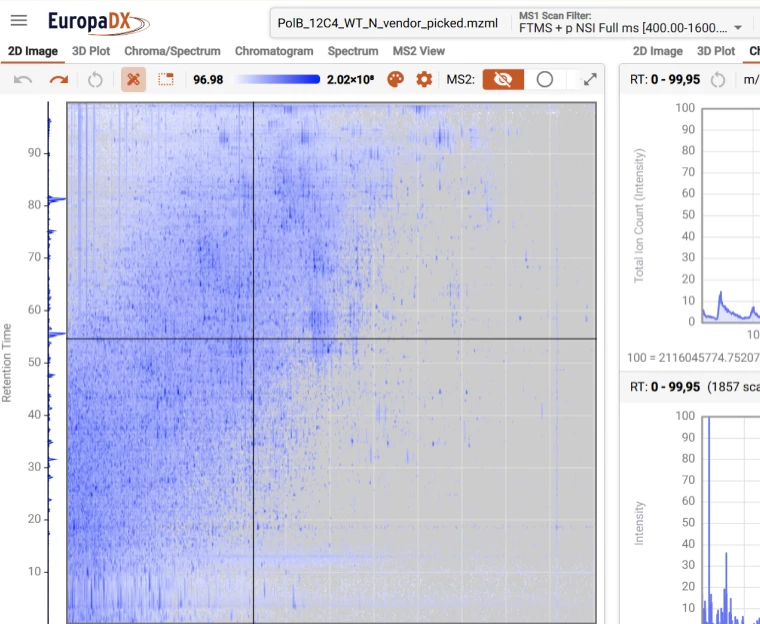
Inspect, QC, and explore your files.
Download now
Quick and easy to get started.
- 1 Step 1
Open the Viewer
- 2 Step 2
Click the “+” button to import your .mzML file
- 3 Step 3
Wait ~1 minute for file conversion
- 4 Step 4
Start exploring your data with high-speed, interactive plots
Frequently asked questions
What is EuropaXp MSViewer?
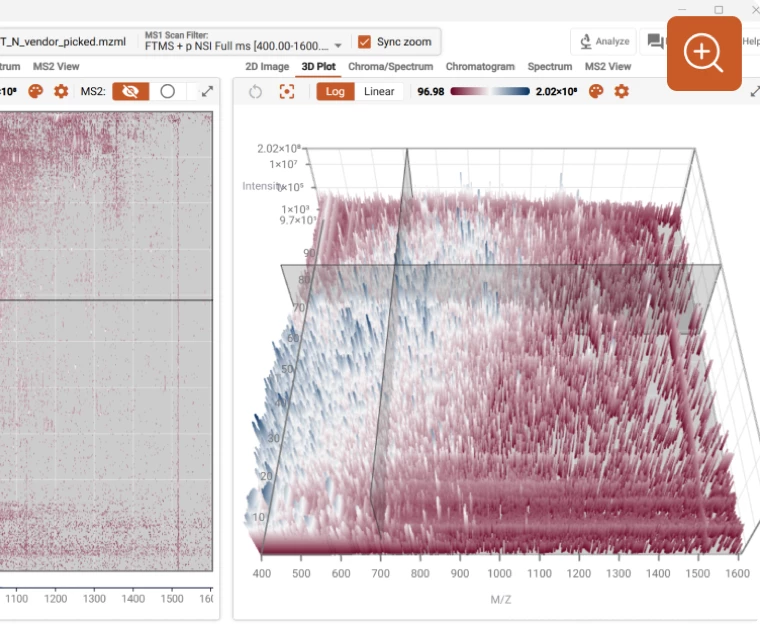
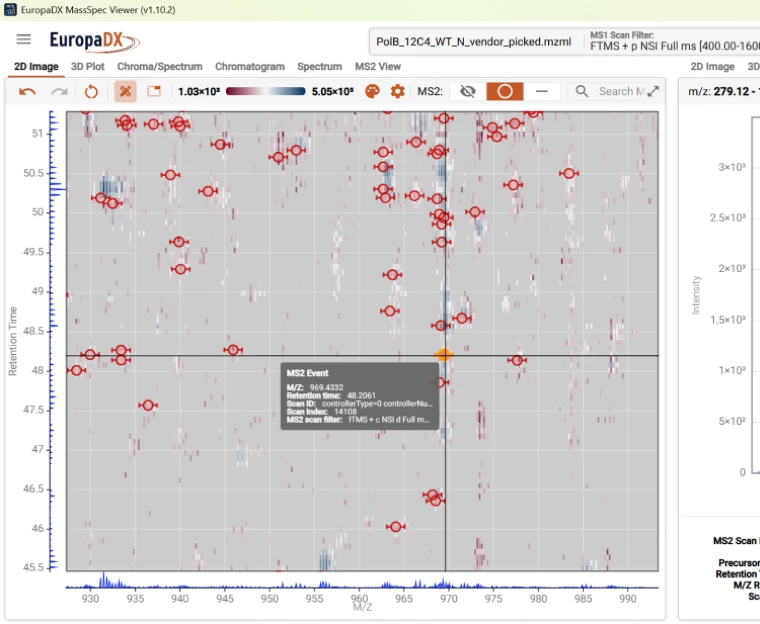
MSViewer is a fast and powerful desktop tool for visualizing and inspecting mass spectrometry (MS) data. It loads large files and navigates instantly, offers synchronized 2D/3D plotting for rapid file inspection, and enables MS2 event browsing for detailed analysis.
What file format(s) does EuropaXp MSViewer support?
MSViewer supports mzML files.
Is EuropaXp MSViewer free to use?
Yes, EuropaXp MSViewer is free for use.
Is it the same functionality as in EuropaXp OmicsCloud?
MSViewer has a subset of the functionality offered in the OmicsCloud platform. OmicsCloud links to downstream analysis, and therefore can show additional information, such as protein views and search results.

Ready to accelerate your research?
Join scientists worldwide who are transforming their data analysis workflows with EuropaXp.